The Unicode math symbol that appears as three horizontal bars (≡) is one character rather than three equals signs typed together.
Meaning in mathematics
In mathematics, the meaning of the triple bar is assigned by context. In logic, it’s often used to denote identity or equivalence relations such as iff (“if and only if”) or material equivalence, while some texts use the triple bar to mean logical equivalence.
There are also a few other meanings for the triple bar including geometric congruence or identity, modular congruence, and definitional use beside an equals sign.
Triple versus single equal sign
While both the single and triple equal sign may look similar, they’re not the same. A single equal sign indicates exact equality — two expressions have the same value — while the triple bar usually denotes a stronger or more specialized relationship and should not be used to decorate ordinary equations.
The triple bar isn’t used to indicate approximate equality, although there’s a separate character, the approximately equal to symbol (≈; U+2248), that has that meaning. Unlike the triple bar, which implies something is exactly equivalent or identical to something else, the approximately equal to symbol means something is close enough under a tolerance that’s defined within its context.
Negated triple bar
There’s also a negated version of the triple bar (≢), which reverses whichever triple-bar relation the surrounding notation has established.
Here’s a quick reference for how you can type both characters in web contexts, stylesheets, JavaScript, and LaTeX:
Character
≡ U+2261 (Identical To)
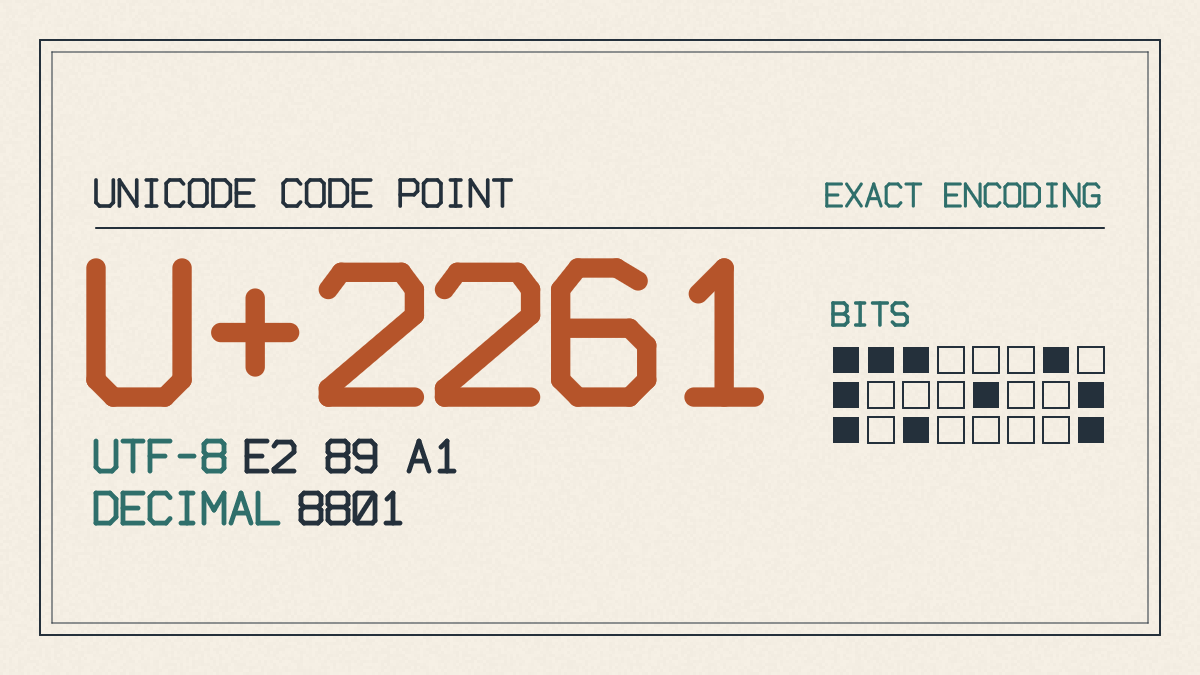
≡ Unicode Character Table
U+2261: Identical To
U+2261: Mathematical Operators
U+2261: Math Symbol (Sm)
Unicode Version 1.1
HTML Entity Code
≡ HTML decimal code: ≡
HTML Entity Hex Code
≡ HTML hex code: ≡
HTML Entity Name
≡ HTML entity names: ≡ or ≡
Alt Code
≡ Alt code: Alt+8801
Decimal Escape
≡ CSS hexadecimal escape: \2261
Hexadecimal Escape
≡ Hexadecimal escape: ≡
JavaScript String
≡ JavaScript string: \u2261
LaTeX
≡ LaTeX: \equiv
Code
Character
≢ U+2262 (Not Identical To)
≢ Unicode Character Table
U+2262: NOT IDENTICAL TO
U+2262: Mathematical Operators
U+2262: Math Symbol (Sm)
Unicode Version 1.1
HTML Entity Code
≢ HTML decimal code: ≢
HTML Entity Hex Code
≢ HTML hex code: ≢
HTML Entity Name
≢ HTML entity names: ≢ or ≢
Alt Code
≢ Alt code: Alt+8802
Decimal Escape
≢ CSS hexadecimal escape: \2262
Hexadecimal Escape
≢ Hexadecimal escape: ≢
JavaScript String
≢ JavaScript string: \u2262
LaTeX
≢ LaTeX: \not\equiv
Inserting ≡
You can insert the ≡ symbol using these methods:
Word/Excel: 2261 then Alt+X
Insert > Symbols > Symbol
Alt+8801
If your numeric keypad has numbers, hold down Alt while typing 8801 on the numeric keypad
On Windows 11, press Win + ., choose the Symbols tab, then select the “Math Symbols” section, then click on the ≡ symbol.
Mac OS: Use the Character Viewer
Hold down the Control, Command, and Spacebar keys simultaneously. You’ll see a small window open. Search for “Identical To,” and the Viewer should find the ≡ symbol for you.
You can also use the Mac’s Character Viewer. Hold down the Control and Command keys and click the spacebar on the keyboard. The Character Viewer opens, allowing you to scroll through all available symbols. Look for the “≡” symbol in the section titled “Identical To.”
Note: If the symbol doesn’t appear in the app or font you’re using, you might need to install a third-party font like Charis SIL or switch to a font that includes this Unicode math symbol.
Programming boundary
Three ASCII equals signs can sometimes appear in programming languages. However, their usage is language-specific, so don’t assume that they’re interchangeable with either the Unicode triple bar or the equals sign. For example, in JavaScript, the === operator compares whether two expressions are strictly equal. Similarly, the APL programming language uses the actual ≡ and ≢ glyphs for comparing arrays.
Neither of those operators automatically carries the mathematical reading: JavaScript’s === tests strict equality, while APL’s ≡ and ≢ compare whole arrays rather than matching them element by element.
Other visual lookalikes
The triple bar appears visually similar to another icon: the hamburger interface icon, which typically appears as three horizontal lines stacked atop each other. It serves as a toggle button that expands or collapses menus. As with many icons, its exact design varies depending on the application.
In chemistry, the same triple-bar character can represent a triple bond between two atoms, as in HC≡CH. But there it’s chemical notation, not the mathematical relation.